
Prefer Audio? Hear the Full Article Here
The website is much more than just pages. It usually becomes the heart of digital marketing, leads generation, sales, and customer experience. Therefore, if you have an old WordPress website that becomes hard to maintain, to be updated in time or simply is not integrated with marketing and sales processes, a migration to HubSpot CMS might become a good option.
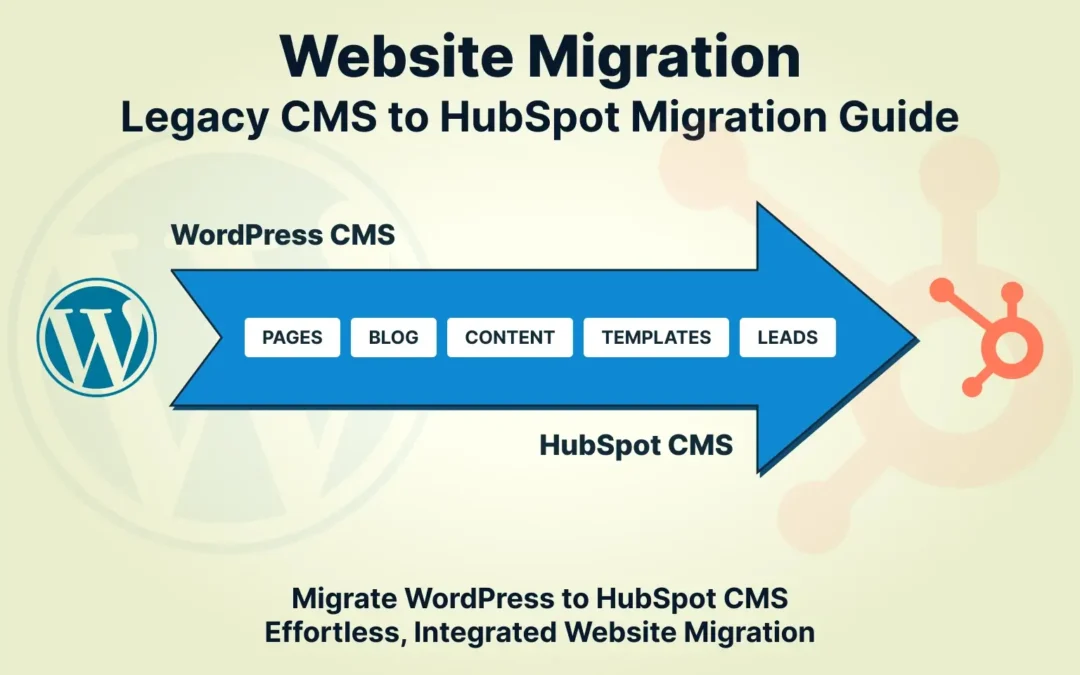
WordPress to HubSpot migration means transferring website content, templates, blogs, landing pages, and other CMS content management system components into HubSpot, integrating the website with HubSpot CRM, marketing automation, analytics, and sales tools.
However, for a successful migration, a lot of effort is needed. You will need a plan that would help you website SEO, preserve necessary content, improve performance and ensure that your newly created website on HubSpot runs perfectly.
Why Make the Transition from WordPress to HubSpot?
WordPress continues to be one of the most popular CMS for web development. However, as companies continue to evolve, more and more plugins and third-party software is added to their web platform, making it increasingly difficult to maintain and disconnect the process of collaboration among marketing, sales, and customer service teams.
HubSpot allows for bringing website management and customer data together by creating an integrated system.
HubSpot as a CRM your website can work alongside marketing automation, sales pipelines, analytics, lead management, and customer service tools. This can make it easier for my teams to manage leads and understand how website visitors interact with your business.
Moreover, transition from WordPress allows the analysis and improvement of your homepage page, landing pages, blogs, forms, calls-to-action, and conversion paths rather than just rebuilding your old website.
What Are Some Important Points You Should Consider Before a HubSpot CMS Migration?
Before beginning a HubSpot CMS migration, create a complete inventory of your existing website.
First of all, make sure you document:
-
All the pages and their URLs
-
Homepage and landing pages
-
Blog posts and categories
-
Images and files for download
-
All the forms and lead generation elements
-
Navigation and inner links
- Page titles and meta descriptions
- Redirects already in use
- Analytics codes
- Important templates and modules
By doing so, you will be able to spot old or duplicate pages, broken links, or other pages which generate organic traffic.
At this point, it is a good idea to conduct the basic auditing a website. Check your current ranking positions, organic traffic, conversions, backlinks, and page speed.
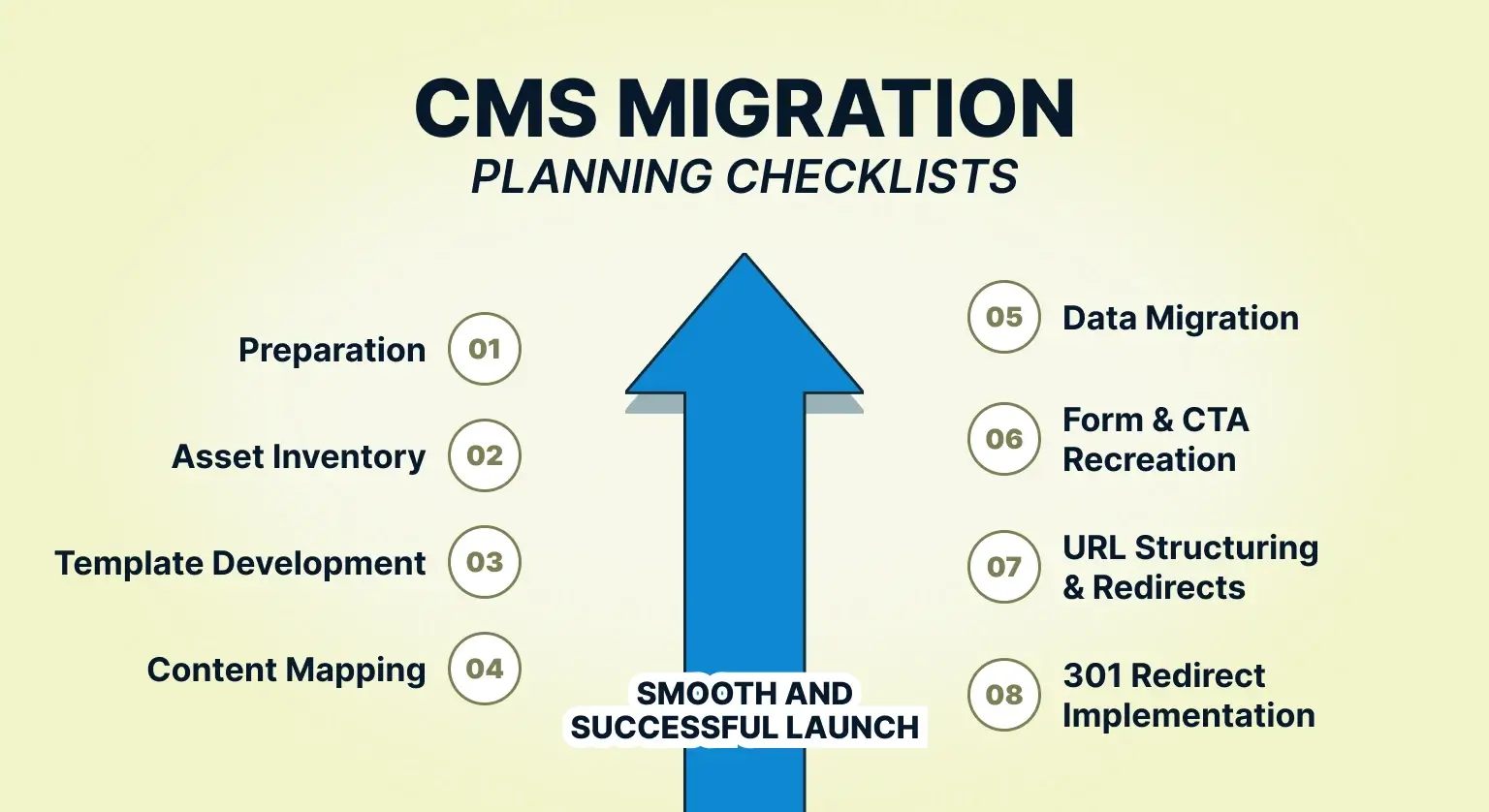
Step 1: Create Your Website Migration Plan
The first step is making a detailed migration plan.
Link your current WordPress URLs with the equivalent HubSpot URLs. In case there is a need for URL changes, set up a 301 redirect to ensure that both search engines and website visitors can access the right page.
Some of the elements to include in your migration plan will be content, design, technical SEO, integration, analytics, forms, redirects, and testing.
For very big websites, it is recommended that you break the migration down into different groups like:
-
Core website pages
-
Blogs
-
Landing pages
-
Resources
-
Forms and conversion assets
-
Technical integrations
This will make migration more manageable and testable.
Step 2: Rebuilding Your Website Using HubSpot CMS
The next step will involve rebuilding your WordPress website using the HubSpot CMS.
As opposed to replicating everything, you need to check whether the current design serves the purposes of your company. Migration can help you redesign your site by enhancing its navigation, content organization, responsiveness, and conversion optimization.
You can have your website development team replicate the current templates or develop new HubSpot templates and custom modules.
HubSpot CMS provides support for reusable components, which enables marketing departments to make any content changes without the need for a website developer.
This can be highly useful for companies that regularly develop landing pages and campaigns and marketing websites content.
Step 3: Migrating Your Content and Blog
Once the process has begun, your existing pages, blog posts, images, and other content can now be moved into HubSpot.
At this point, do not just focus on moving over content but take some time to go through all the website page and ask yourself if they are still valuable.
Blog post migration includes:
-
Titles
-
Headings
-
URL
-
Meta description
-
Images
-
Internal links
- Call-to-action buttons
- Author details
- Categories
- Featured images
If you have hundreds of blog websites posts to migrate, then start with those that perform the best.
The HubSpot blog migration can be used as an opportunity for revamping your old posts and making sure that the content is consistent with your marketing strategy.
Step 4: Optimize SEO on Your New Website
One of the biggest concerns during any website migration service is losing organic search visibility.
However, migration of website does not guarantee a loss of SEO optimization; rather, if done poorly, migration could cause complications.
Prior to launch of your new website pages, ensure that you have:
-
SEO title
-
Meta description
-
H1 and H2 heading tags
-
Canonical URL
-
ALT image text
-
Internal linking
- XML site mapping
- Redirection
- robots.txt
Try keeping the URLs intact wherever possible. If it becomes necessary to change the URLs, make sure 301 redirection is done correctly.
You should also check your existing pages with the newly migrated pages and track any indexing problem via Google Search Console.
Step 5: Integration of HubSpot CRM with Marketing Tools
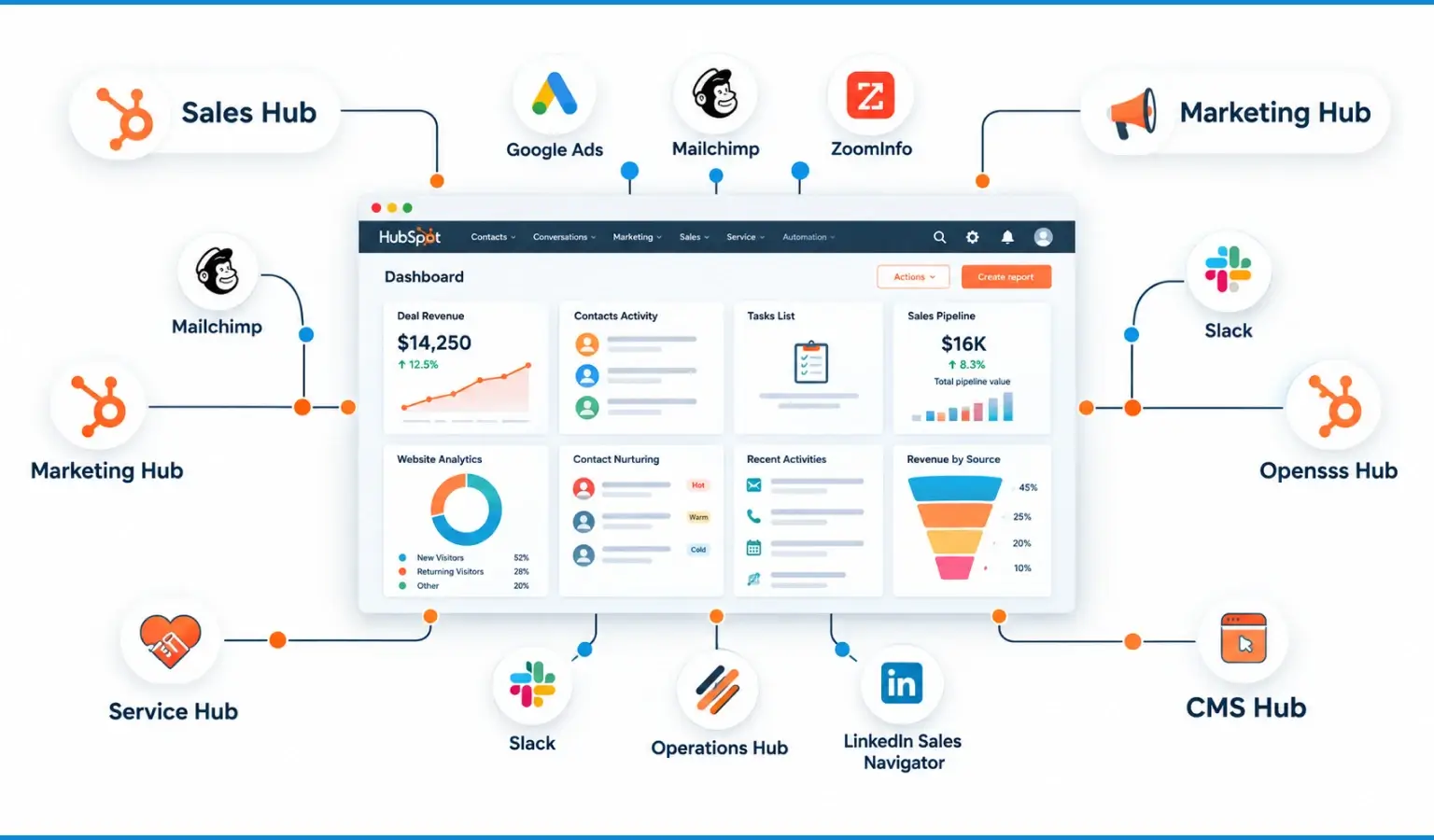
One of the significant benefits from switching to HubSpot is that you will be able to integrate your website with a HubSpot CRM system.
Rather than managing your website and your CRM separately, you will be able to integrate forms, contacts, marketing initiatives, sales, and customer engagements via the HubSpot network.
This can be used to lead generation, run marketing emails, make sales calls, and report on conversion optimization.
For organizations looking at HubSpot CRM for small business, this integrated process will also decrease the number of different tools needed to manage leads and customers via your website.
The migration strategy must document every existing integration, and decide whether the integration should be switched out for a native HubSpot tool, integrated via HubSpot or created using the HubSpot API.
Step 6: Testing Before Launch
Do not immediately proceed with the launch right after content migration.
Develop a test plan including desktop and mobile testing.
Test:
- Navigation
- Forms
- CTAs
- Contact forms
- Blog posts
- Search
- Images
- Internal linking
- Redirects
- Tracking scripts
- CRM contact creation
- Marketing automation
- Page speed
- SEO metadata
Make sure to test crucial conversion paths from the user’s point of view. Just because a page looks okay does not mean that forms, workflows, integrations, and tracking scripts function properly.
Step 7: Deploying and Monitoring the New Website
Once everything is tested, you will be able to deploy the new website that was built with the help of HubSpot.
After deploying it, do not think that your migration is complete. Make sure that you keep monitoring the performance on Google Search Console, analytics, CRM, pages, conversions, etc.
Make sure you pay close attention to:
- Organic traffic
- Keyword positions
- Indexed pages
- 404 errors
- Redirects
- Leads
- Form fills
- Page load speed
- Conversion rate
Compare these results against your pre-migration baseline.
Is WordPress to HubSpot Migration Beneficial?
It all boils down to your business needs, technology you already use, website complexity, and marketing plans.
If you need your website, CRM, marketing, sales, and customers all in one place, HubSpot can help you achieve it.
Thus, if a WordPress to HubSpot migration is successful, it will become a strategic website project for you rather than a CMS switch.
It means not just moving your pages. The idea is to build a fast and easy-to-manage website that will work in accordance with your marketing strategy, sales marketing, lead generation, SEO, and business growth in general
Final Thoughts
The transition from WordPress to HubSpot is complex and may require a lot of time; however, in many cases, it represents an opportunity to enhance your online presence.
Auditing the existing CMS website, protecting SEO, recreating templates, migrating content, integrating with your HubSpot CRM and ensuring proper testing of all conversion paths – each step makes your transition successful.
In case of HubSpot website migration, collaborating with an expert migration team will allow you to minimize possible technical problems and perform the transition of your website, its content, SEO, and integration properly.
No matter whether you migrate your business or corporate website, prepare a proper migration plan, protect your SEO resources and take advantage of the transition process to create an effective website.
FAQs
What is a HubSpot website migration?
It is the process of moving your website from another CMS to HubSpot while preserving content, design, and SEO.
Can I migrate my WordPress website to HubSpot?
Yes. You can migrate WordPress and other CMS platforms to HubSpot with proper planning and data mapping.
Will my SEO be affected after migration?
Not if redirects, metadata, and URLs are handled correctly during the migration.
How long does a HubSpot migration take?
The timeline depends on your website size and complexity, but smaller sites usually take less time than large or custom websites.
What should I do before migrating to HubSpot?
Audit your website, back up your data, and plan your content and URL structure.
Should I hire a HubSpot migration expert?
For complex websites, custom functionality, or large amounts of data, expert assistance can help ensure a smoother migration.
Planning to Migrate Your Website to HubSpot CMS?
We help businesses move from WordPress, Joomla, or custom sites to HubSpot without losing SEO, speed, or user experience.